Map your IT landscape
Export your data
On this page
You can export your organization's data in two formats: a complete JSON file, as a backup, and an ArchiMate file of your IT architecture, for other modelling tools. Open Organization Settings › Import/Export in the sidebar. Only Owners see this page; other roles get "You must be an Owner to access this page."
Export everything as JSON
- On the Export Data card, click Export JSON.
- Wait for "Organization data exported successfully as JSON". The file downloads.
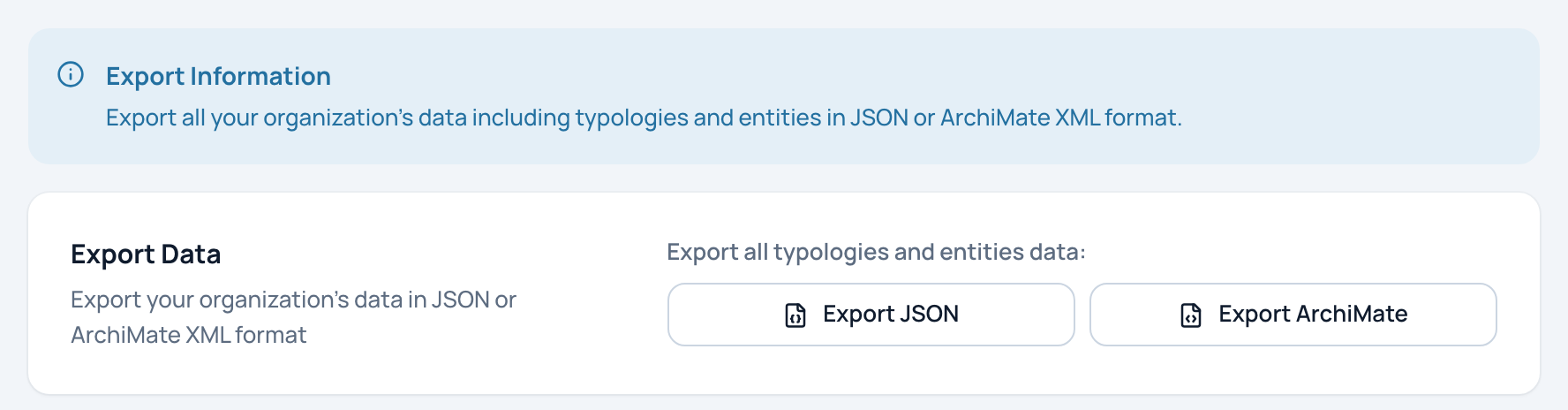
The Export Data card with its two buttons.
- Export JSON: everything, as a backup
- Export ArchiMate: the IT architecture for Archi and similar tools
The file is named urbahive-export-organization-date.json. It holds:
- the typologies: statuses, editors, flow types, infrastructures, organization roles;
- programs, applications, servers, flows, DAT references and their versions;
- the custom field definitions and the values filled in on each element;
- process domains, processes, their steps, the applications and RACI of each step, and the links between processes;
- capabilities and their links to applications;
- contacts and their links.
Use it as a complete backup of your organization's content.
Export the IT architecture as ArchiMate
- On the Export Data card, click Export ArchiMate.
- Wait for "Organization data exported successfully as ArchiMate XML". The file downloads.
The file is named urbahive-archimate-organization-date.xml. It follows the ArchiMate 3.1 exchange format, which tools such as Archi can open.
| In UrbaHive | In ArchiMate |
|---|---|
| Programs | Grouping |
| Applications | ApplicationComponent |
| Servers and infrastructures | Node |
| Editors (vendors) | BusinessActor |
| DAT references and versions | DataObject |
| Flows | Flow relationships |
| A program and its applications, an infrastructure and its servers | Composition relationships |
| A server and the applications it runs | Serving relationships |
| An application and its DAT version | Access relationships |
The file also contains three views: Application Flows, Technology Infrastructure and Data Architecture. Processes and capabilities are not part of the ArchiMate export; use the JSON export for them.
Import
The same page has an import card, marked as still in development. Do not rely on it yet; there is no Excel or CSV import.
Related pages
- Explore the map: export a picture of the map instead.
- Readings, swimlanes and PDF export: export a process as PDF.
- Add your own fields: fields included in the JSON export.